
Touchscreen kiosks that turn information into action.
Build a self-service or wayfinding terminal around the user journey, screen size, touch technology, operating system, peripherals and enclosure.
 TOUCH KIOSK / CUSTOM TERMINAL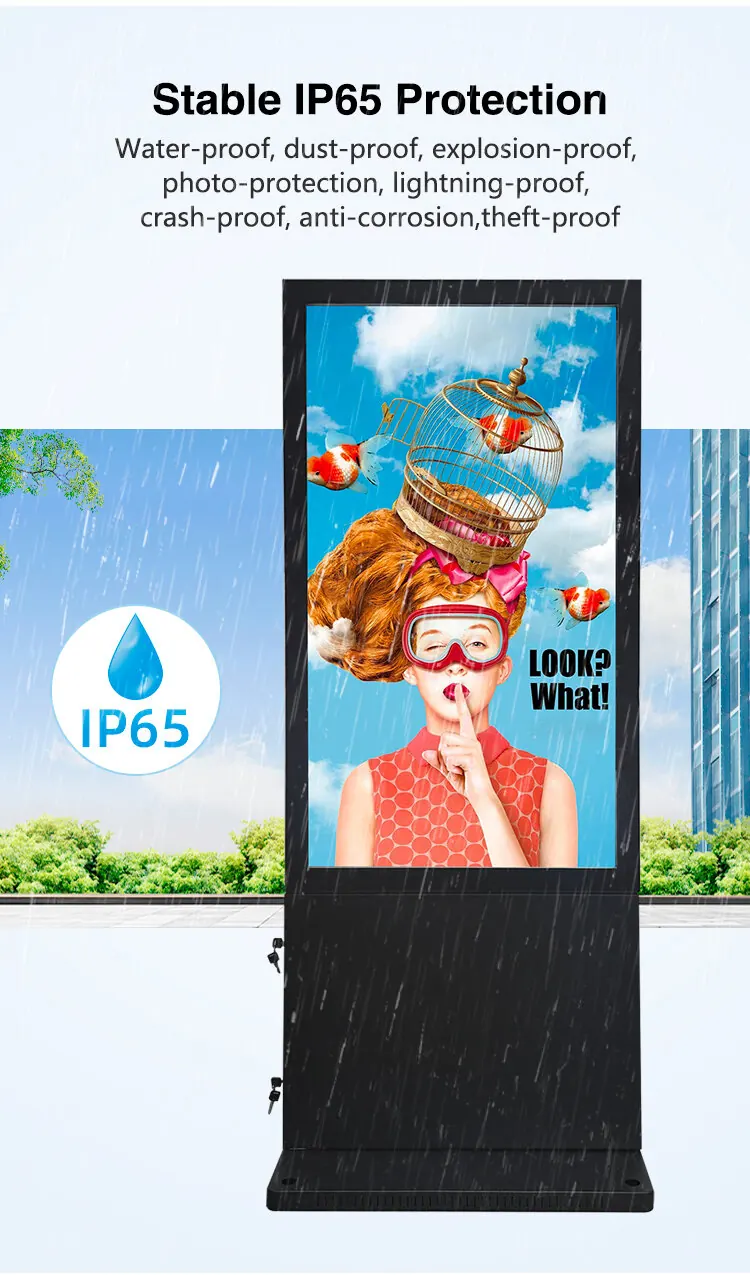
Design the terminal around the task.
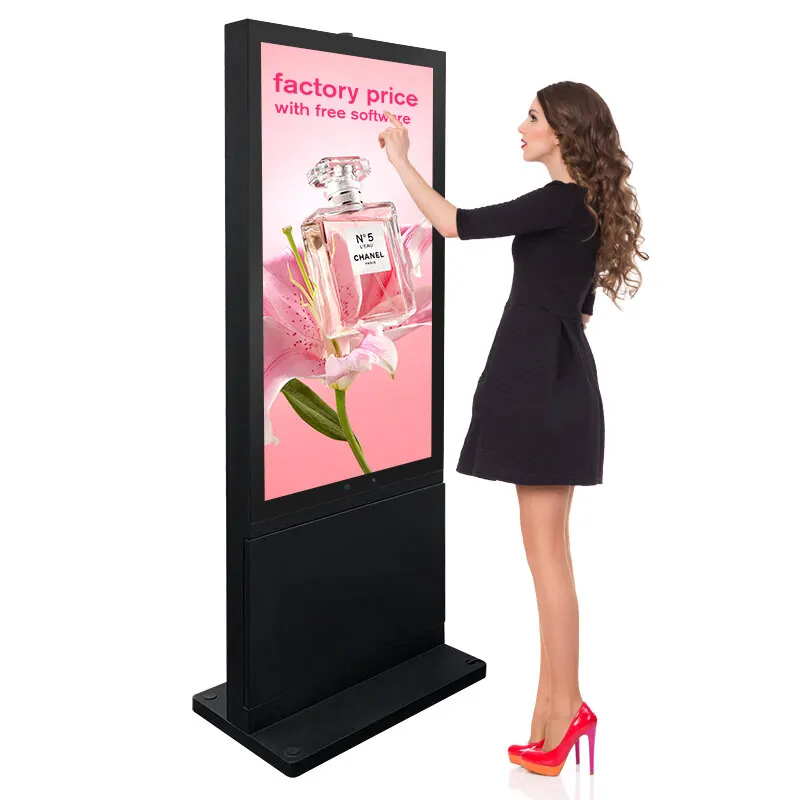
A kiosk is more than a screen with touch glass. It needs a readable interface, comfortable reach, reliable player, service access and the right peripheral path for the venue.
- IR or PCAP touch matched to screen size and user behaviour
- Android or Windows platform for app and CMS requirements
- Custom stand, wall, counter or floor kiosk enclosures
- Optional camera, printer, scanner, NFC or other I/O review
Make the hardware and software conversation concrete.
Share the user journey and the environment so the factory team can scope a useful terminal instead of a generic enclosure.
| Display sizes | 8-98 inch commercial LCD formats, selected by viewing distance and task complexity. |
|---|---|
| Touch | IR or PCAP options depending on screen size, glove use, interface and cleaning requirements. |
| Operating system | Android or Windows player platforms, with network connection and CMS options. |
| Enclosure | Floor-standing, wall-mounted, counter-top and custom appearance design. |
| Peripherals | Camera, printer, scanner, NFC, card reader and other I/O can be discussed at project stage. |
| Service | Access panels, cable routing, thermal planning and replacement strategy should be agreed before production. |
Have a workflow, app or peripheral to fit?
Send the screen size, user action and installation setting for an early hardware review.
Remove the uncertainty before prototyping.
Can the kiosk run Android or Windows?
Both platforms can be reviewed according to the application, content system, peripherals and integration requirements.
Can the enclosure be customized?
Yes. Floor, wall, counter and custom formats can include appearance, cable routing, service access and mounting details.
Can XSHLCD supply more than the display?
Project discussions can include touch, player, sensors, scanners, printers, NFC and other hardware integration needs.
Describe the user action.
Tell us what visitors need to do, where the kiosk will sit and how many terminals are planned.